Sky replacement

Sky replacement for real estate photos

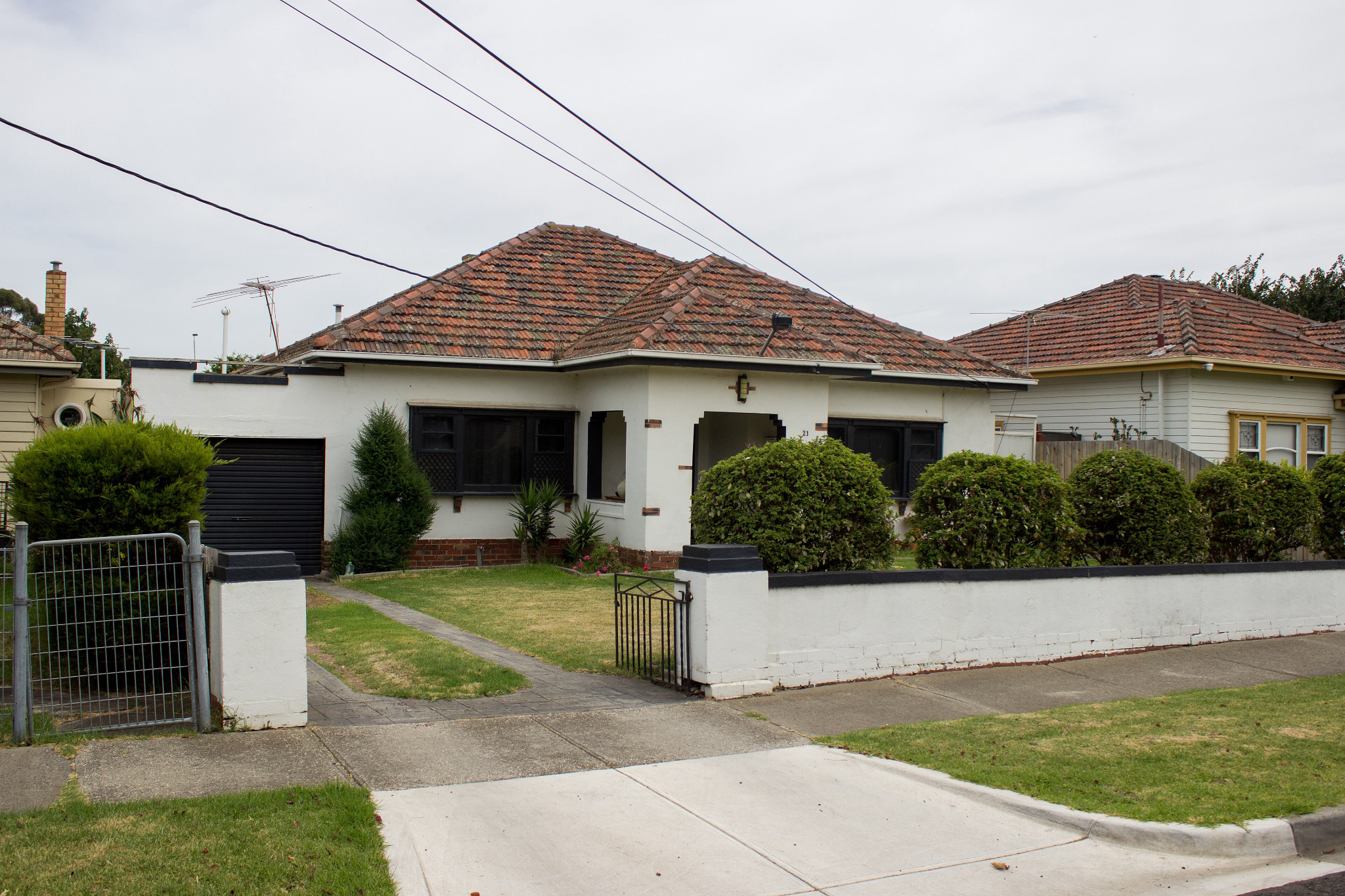
Swap an overcast sky for a bright one without touching the house, the light on it, or anything silhouetted against it.

See it on a sample$29per listing

Drop one photo or the whole shoot anywhere on this page. Free to try: 3 renders without an account, 3 more when you sign in.

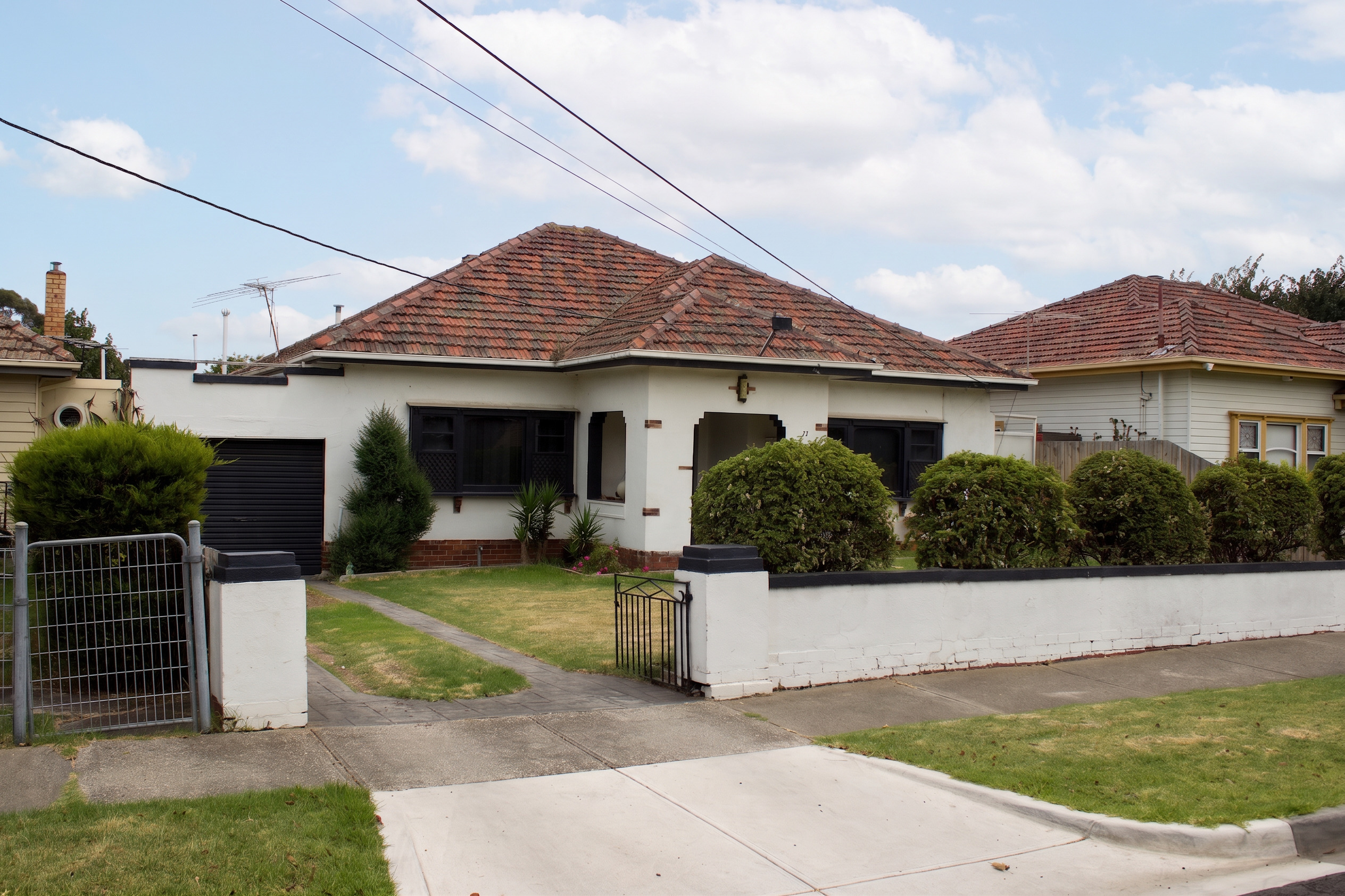
The altered version: new sky
The unaltered original photograph
OriginalNew sky

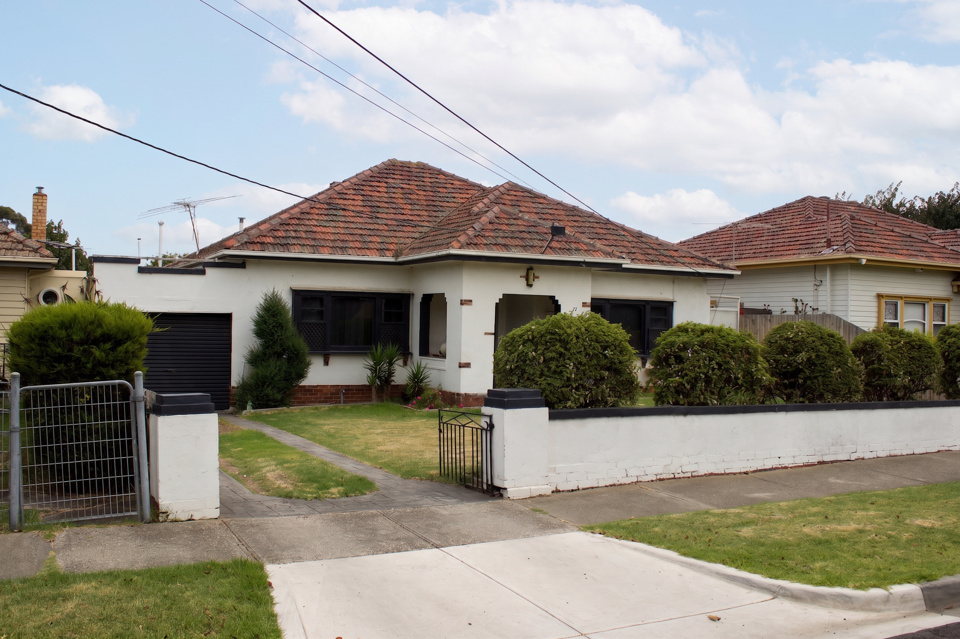
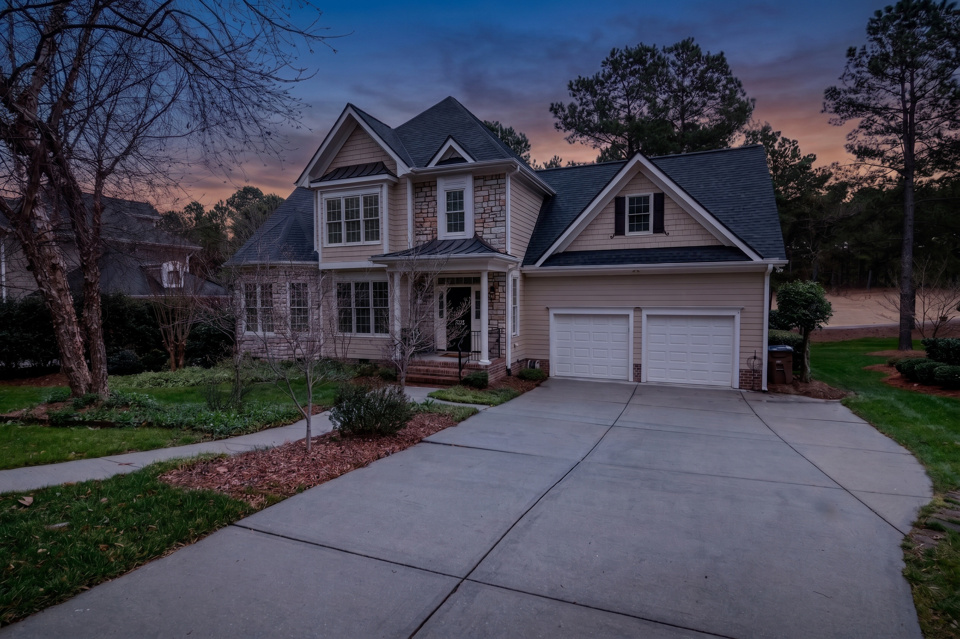
A real render. Drag to compare. The stone, siding, shutters and neighbouring rooflines all stay.

Features

What you get back

Not just an altered JPEG.

Only the sky changes

The light on the building keeps its direction, intensity and white balance. A new sky over the old lighting is what makes a replacement read as composited.

Wires and aerials survive

Power lines, TV aerials, branches and neighbouring rooflines stay exactly where they are. Removing utility lines is a prohibited alteration, not a tidy-up.

Geometry checked

Every render is compared against your original and rejected if the framing moved or the building changed.

Three conditions

Clear blue, soft scattered cloud, or defined cumulus. Bright enough to help, plausible enough for the location.

The original comes back

Edited image and unaltered original as an ordered pair, ready for the photo sequence.

Original and disclosure included

Provider-original downloads, paired originals and disclosure wording for each publishing surface. Visible labels are available when requested.

How it works

Three steps

  1. Step 1

    Upload an exterior with a dull sky

    JPEG or PNG. Free to try: 3 renders without an account, 3 more when you sign in. Your original is never used for training.

  2. Step 2

    We replace the sky, then check our own work

    Renders that move the roofline, trees or framing are discarded before you see them.

  3. Step 3

    Download the pair

    The edit and your original, in MLS order, with disclosure wording for each place you post it and a record of what changed.

A narrower edit than it looks

Replacing a sky sounds like the easiest thing on this list, and it is the one where models most often overreach. Given a new sky, a model will happily warm the render to match it, lift the shadows, and quietly tidy the power lines out of the frame while it is there.

All three are defects. The first two make the composite obvious; the third changes what is being sold. So the instruction is explicit that the light on the building does not change, and every render is compared against the original before you see it.

What stays

Anything silhouetted against the sky is part of the property's context: wires, aerials, branches, the neighbour's roofline. A listing photo with the cables edited out is a photo of a house that does not exist, and several rulebooks name utility lines specifically.

FAQ

Questions worth asking

Treat it as yes. It is a replacement rather than a tonal correction, which puts it outside the lighting-adjustment exemption that covers brightness and white balance. Bay East’s public FAQ lists “sky replacement” as a digitally altered image by name.

No. That is the failure mode this transform is written against. The instruction holds the existing light on the building (same direction, same intensity, same white balance), because a brightened house under a new sky is the giveaway.

No. Removing utility poles and lines is prohibited in several markets even with disclosure, because it changes what is being sold. The lines stay silhouetted exactly where they are, and you can check that on the comparison above.

Sky replacement keeps the hour and changes the weather. Day to dusk changes the hour, which means the sky, the ambient level and often synthetic window glow. Day to dusk is the bigger alteration and the more sensitive one.

Replace a sky

One photo or the whole shoot. Free to try: 3 renders without an account, 3 more when you sign in.