Declutter

Declutter real estate photos with AI

Remove loose clutter and personal effects. The room, its fixtures and its finishes stay exactly as photographed.

See it on a sample$29per listing

Drop one photo or the whole shoot anywhere on this page. Free to try: 3 renders without an account, 3 more when you sign in.

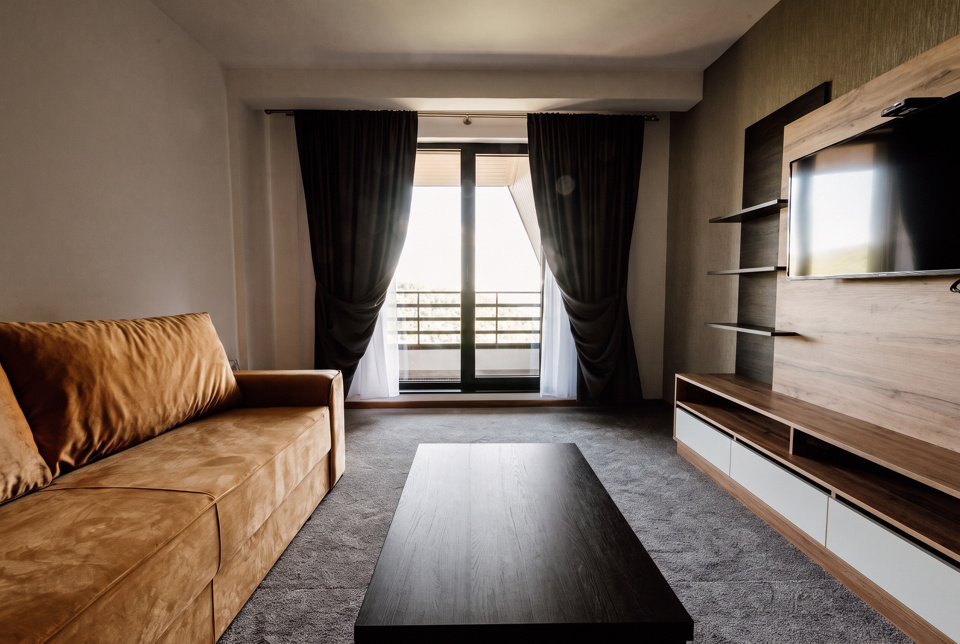
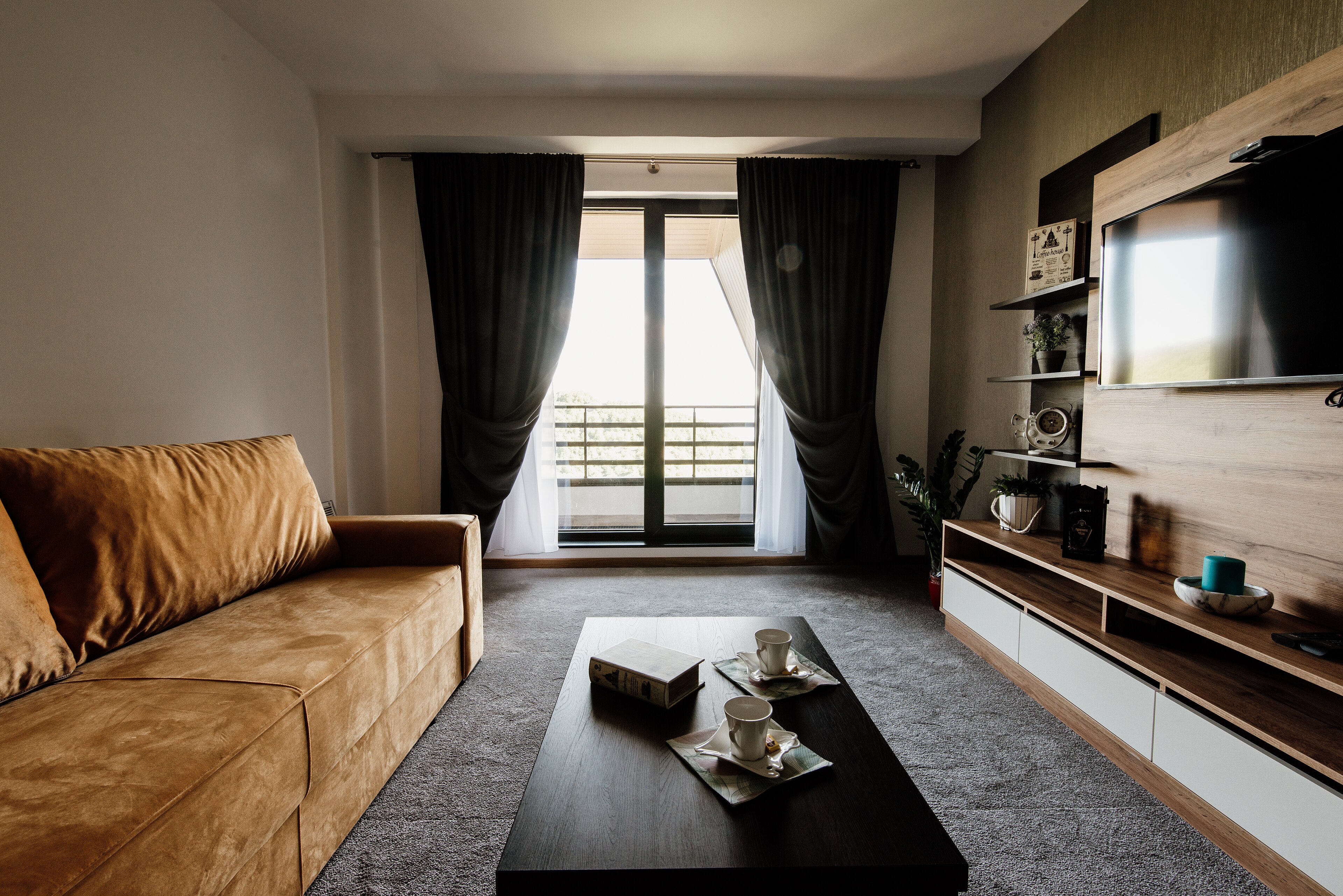
The altered version: decluttered
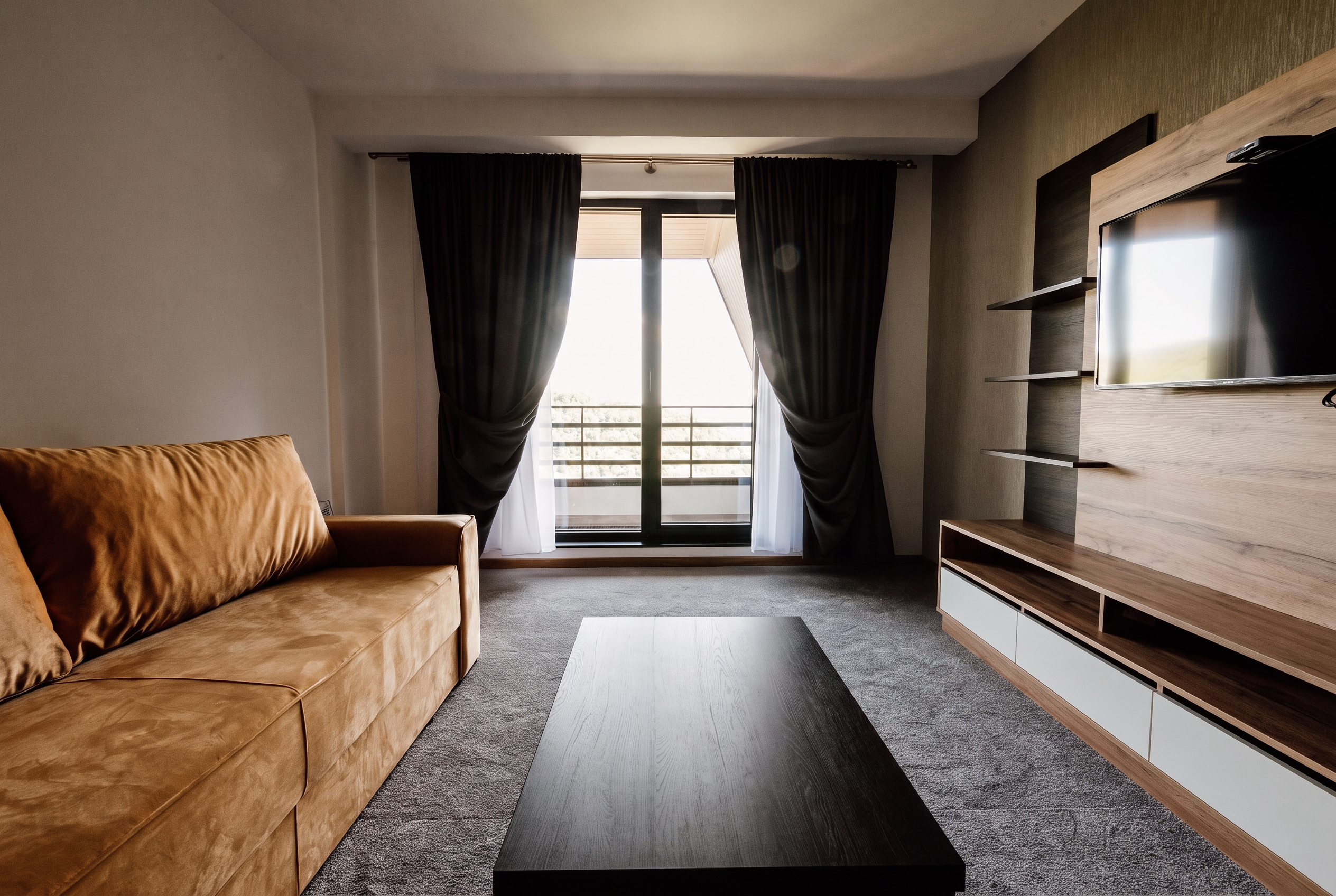
The unaltered original photograph
OriginalDecluttered

A real render. Only what sits on the surfaces goes. The cabinets, tiling, cooker and the clock on the wall all stay.

Features

What you get back

Not just an altered JPEG.

Mask-driven, not prompt-driven

Objects are segmented and erased in place. Asking a model to "remove the clutter" makes it re-imagine the whole room; giving it an explicit region confines the change to that region.

Shadows go with the object

The mask is grown before erasing, so contact shadows and reflections on glossy surfaces go too. Otherwise you remove an object and keep its shadow.

Nothing outside the mask changes

We measure structure and colour outside the erased region specifically. A render that repainted a wall while removing a mug is rejected.

Fixtures stay

Built-in appliances, radiators, fittings and architectural features are not clutter, and are never removed.

The original comes back

Edited image and unaltered original as an ordered pair, ready for the photo sequence.

Original and disclosure included

Provider-original downloads, paired originals and disclosure wording for each publishing surface. Visible labels are available when requested.

How it works

Three steps

  1. Step 1

    Upload the photo

    JPEG or PNG. Free to try: 3 renders without an account, 3 more when you sign in. Your original is never used for training.

  2. Step 2

    Check what goes, then we remove it

    We select the clutter for you to adjust. Renders that change anything you kept are discarded before you see them.

  3. Step 3

    Download the pair

    The edit and your original, in MLS order, with disclosure wording for each place you post it and a record of what changed.

Removing objects without redecorating

The naive approach is to ask a model to remove the clutter and hope. What comes back is a re-imagined room: similar, plausible, and not the property you photographed.

So removal here is mask-driven. Each object is segmented, the regions are combined and grown slightly, and an inpainting model reconstructs only what was behind them. Everything outside that region is untouched by construction, and we verify it, measuring both structure and colour outside the erased area specifically. A render that repainted a wall while removing a mug fails that check.

Why the mask is grown before erasing

A segmentation boundary sits tight against the object, which leaves its contact shadow, its reflection on a polished floor, and a rim of colour bleed just outside the mask. Erase without growing the region and you remove the object but keep the shadow of it: a distinctive artefact, and an obvious one.

The line we will not cross

Clutter is a laundry basket, a phone charger, a stack of post. A defect is damp, a crack, peeling paint, a stain. Removing the first is tidying; removing the second is concealing a defect, which several markets prohibit outright and no disclosure cures. This tool is built for the first.

FAQ

Questions worth asking

Yes. Object removal is named verbatim in the Commission Guidelines as in scope for AI transparency, and MLS rules that address altered imagery treat removal as a disclosable alteration.

It must not, and we will not help you do it. Concealing a defect that exists in the property is prohibited outright in several markets and is not cured by disclosure. Declutter is for a laundry basket, not for damp.

No, that is a different tool. Declutter targets loose objects: personal effects, toiletries, papers, cables, small appliances. To empty a room of furniture, use occupied to vacant.

We say so and charge nothing. If the segmenter finds nothing matching, the edit is refused with that reason rather than erasing something at random.

Declutter a photo

One photo or the whole shoot. Free to try: 3 renders without an account, 3 more when you sign in.