Virtual staging

AI virtual staging for real estate photos

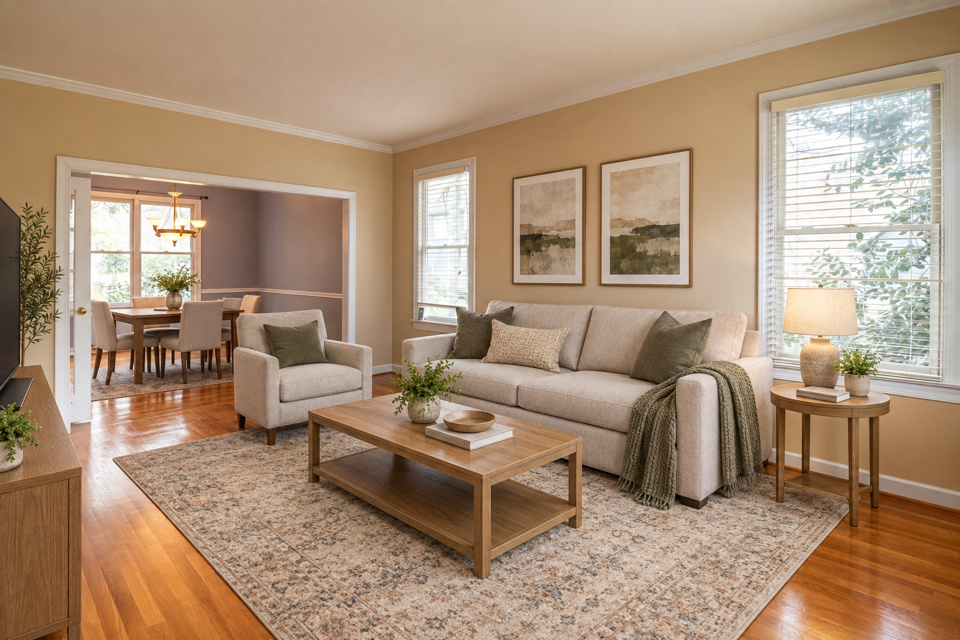
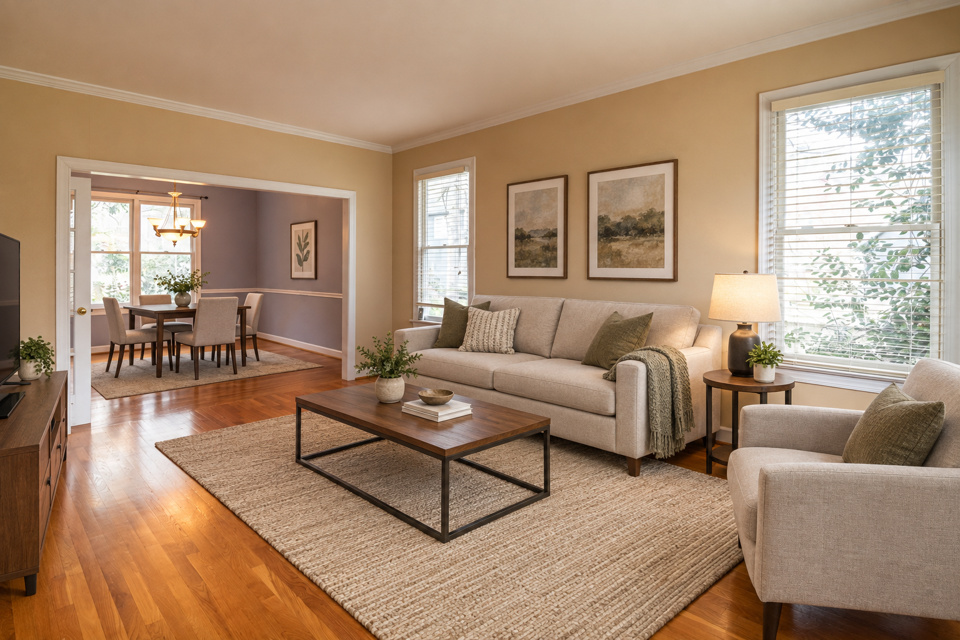
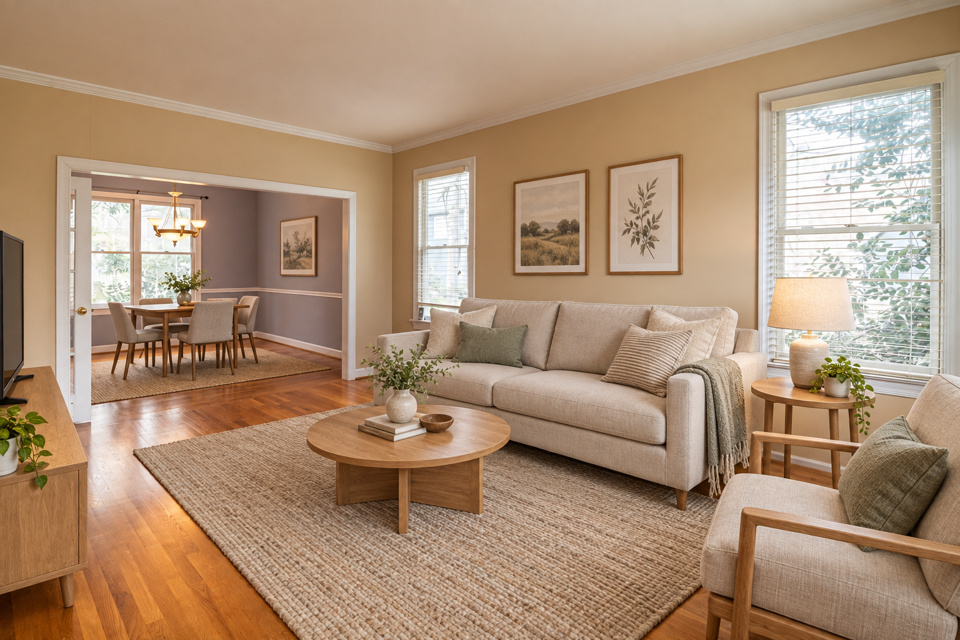
We add furniture and decor in 12 styles. Walls, floors and windows are kept as photographed, and every render is checked for changes before you see it.

See it on a sample$29per listing

Drop one photo or the whole shoot anywhere on this page. Free to try: 3 renders without an account, 3 more when you sign in.

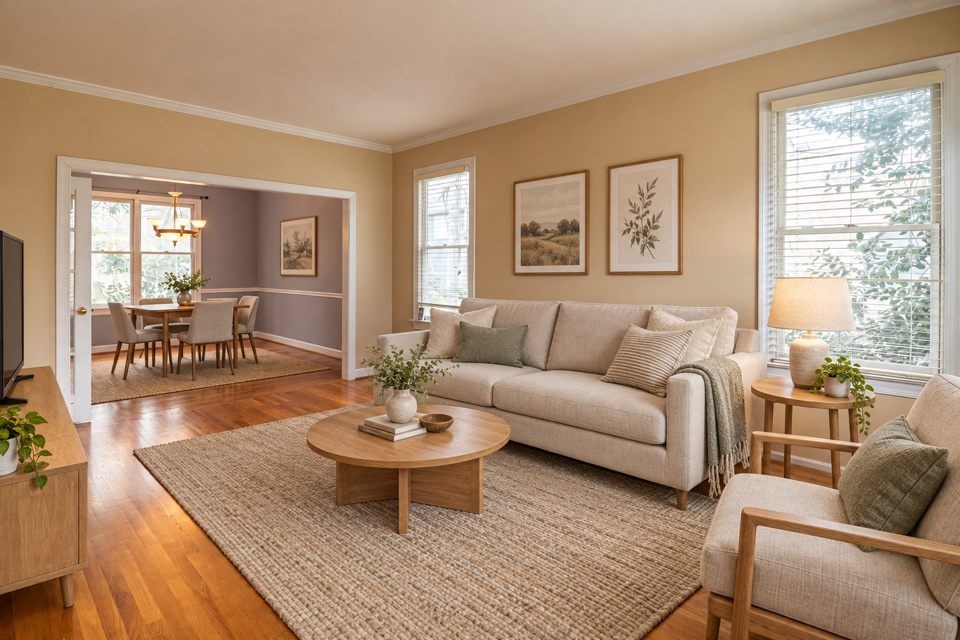
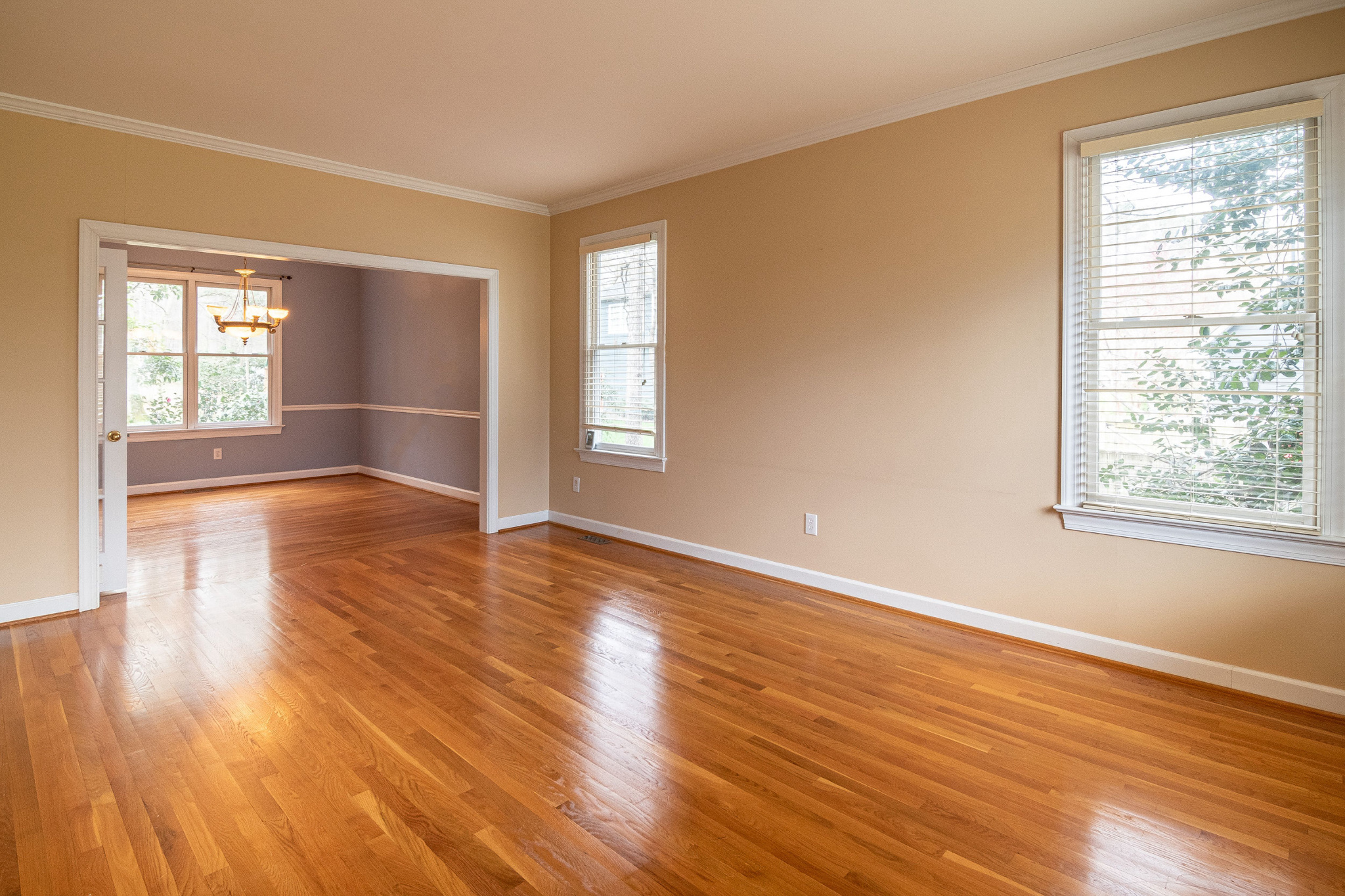
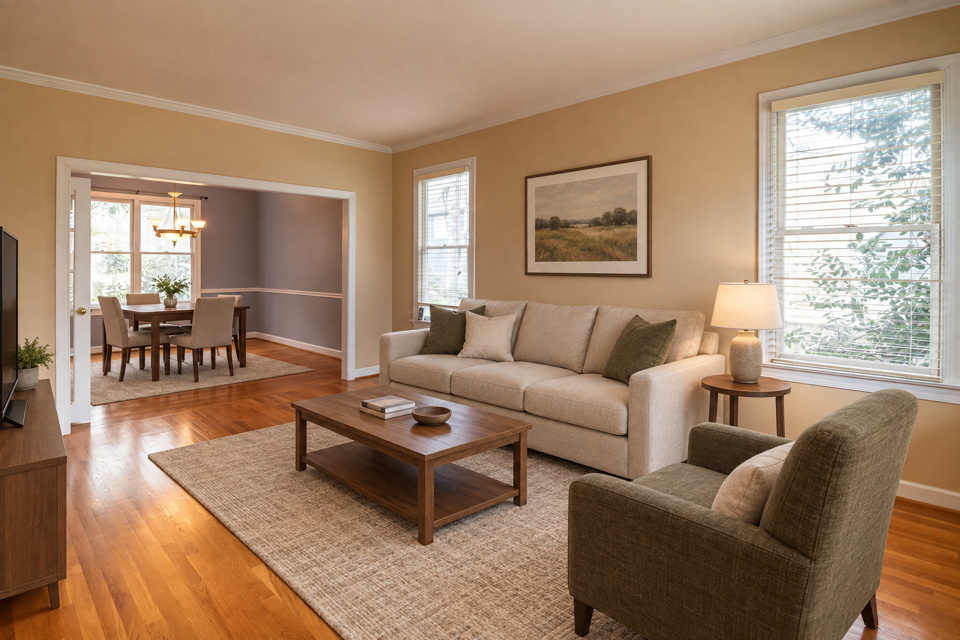
The altered version: staged
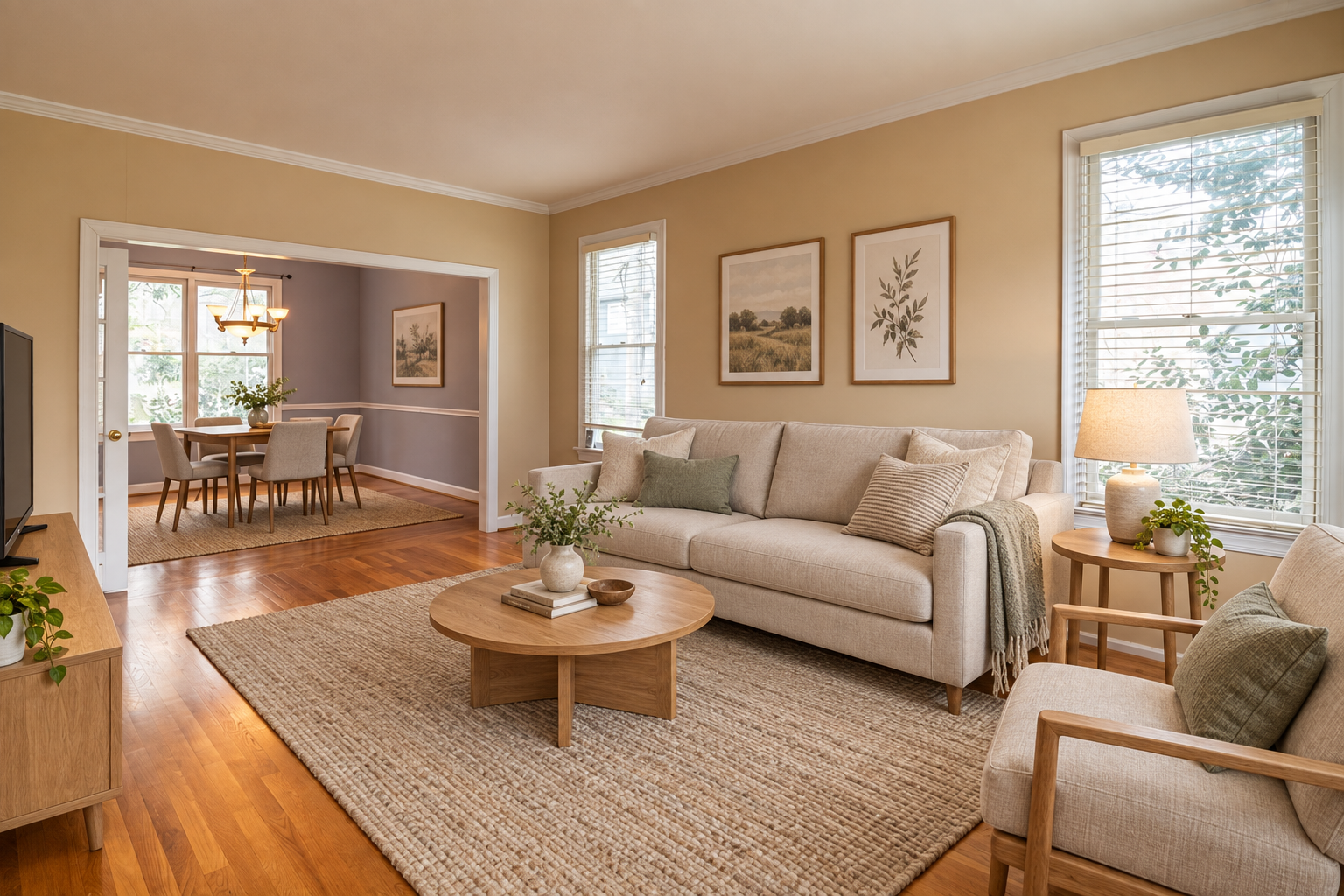
The unaltered original photograph
OriginalStaged

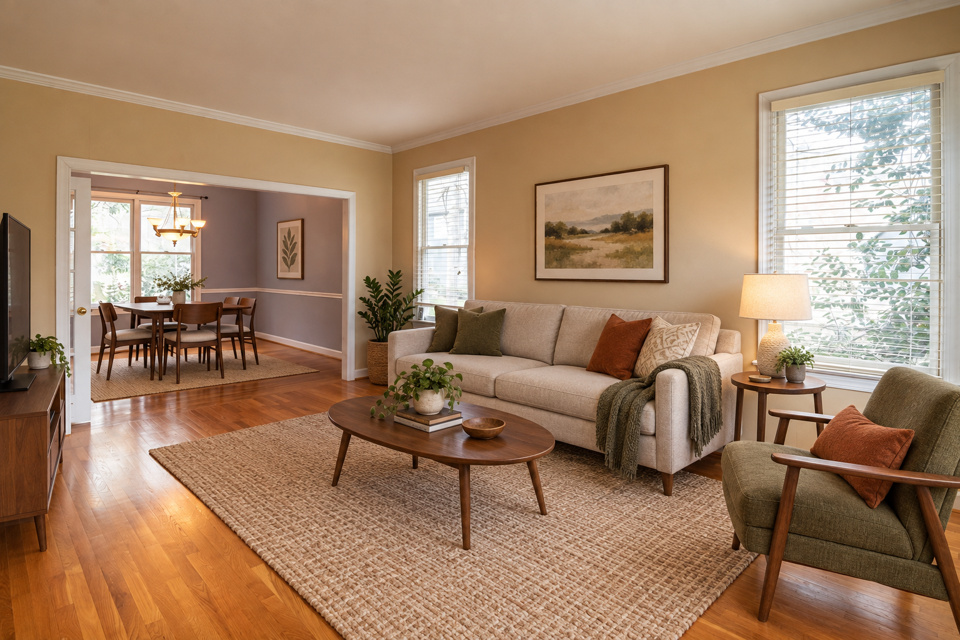
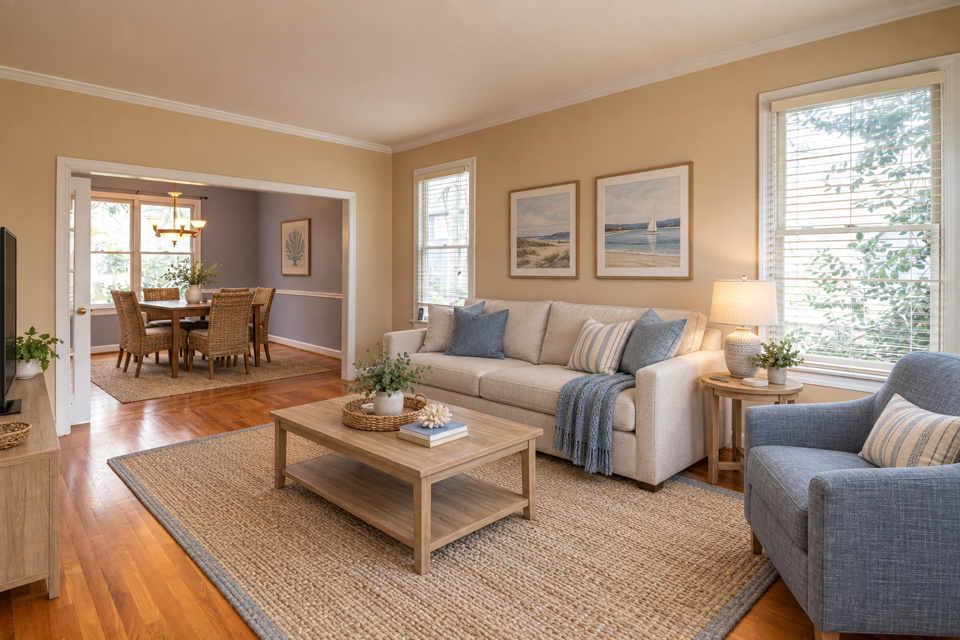
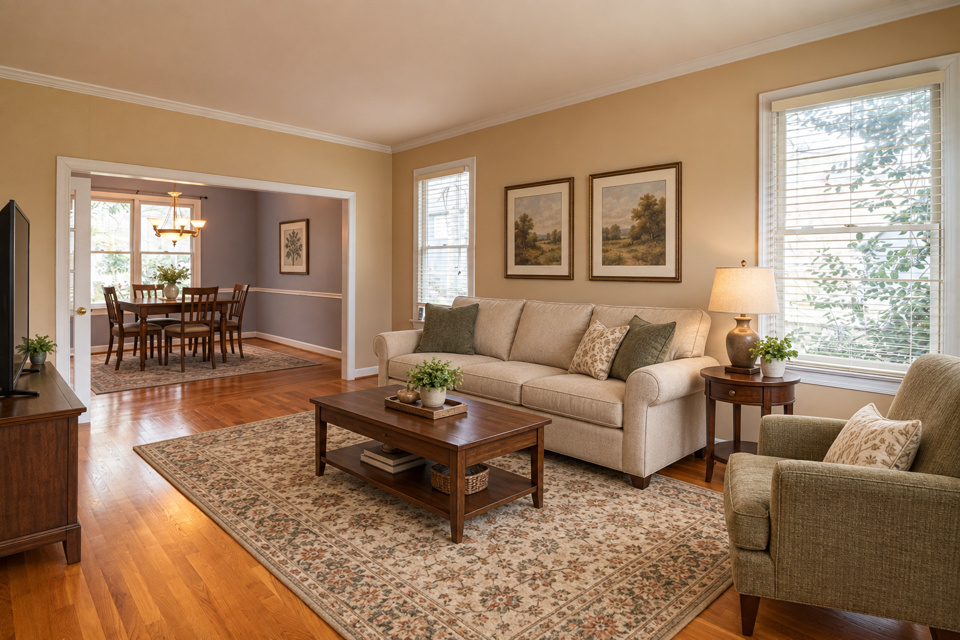
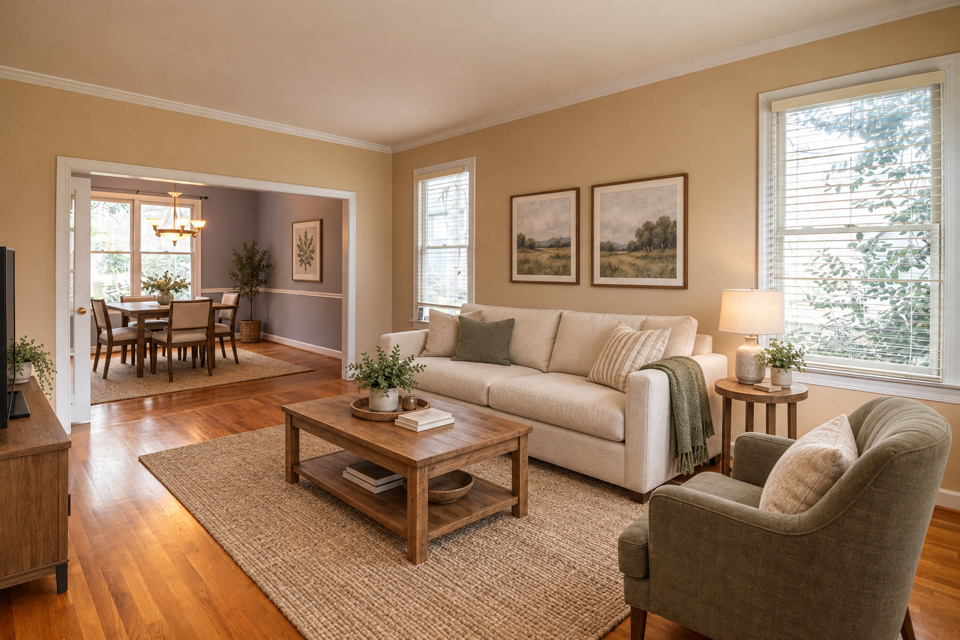
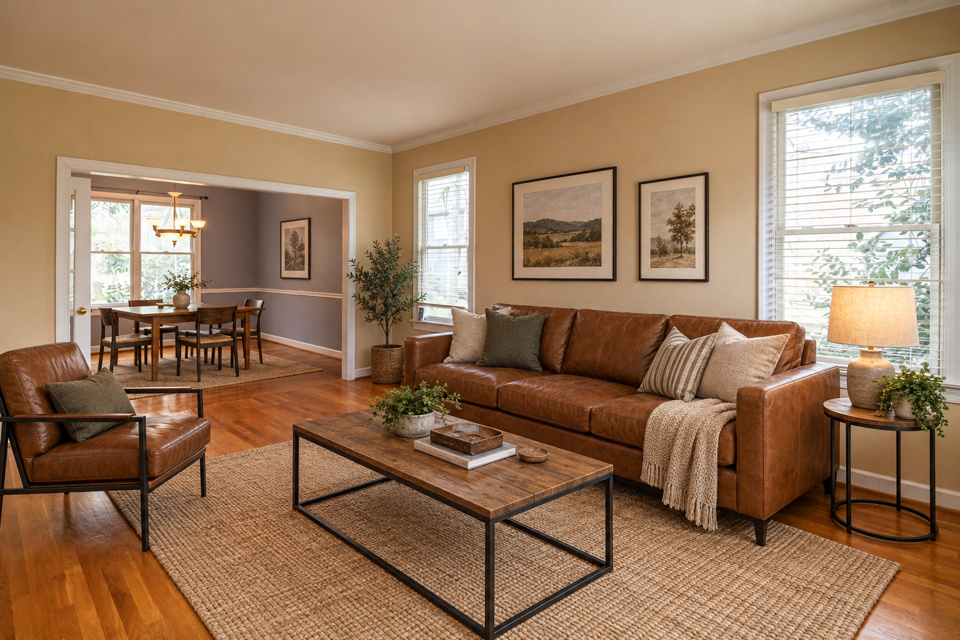
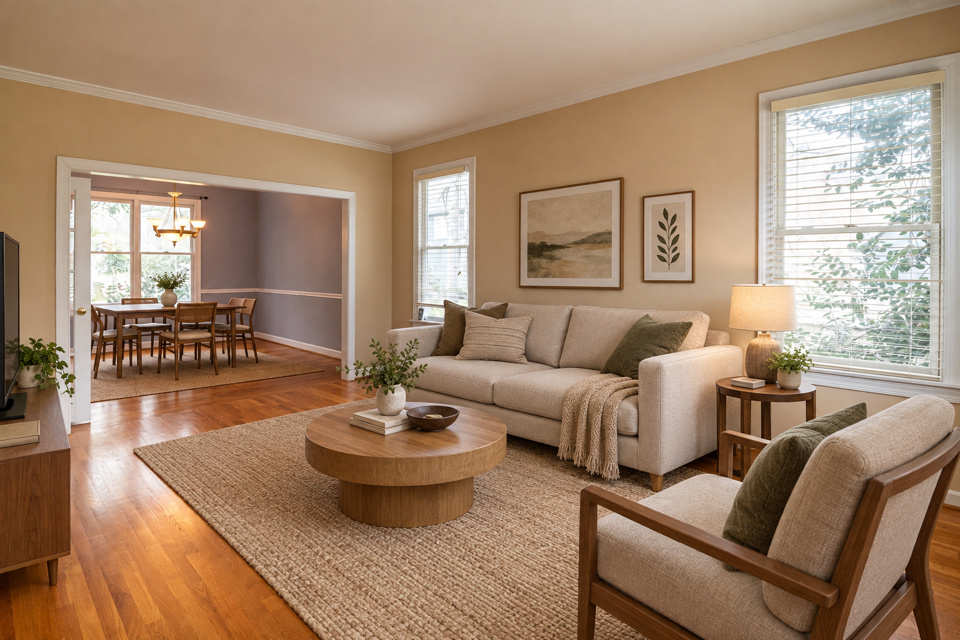
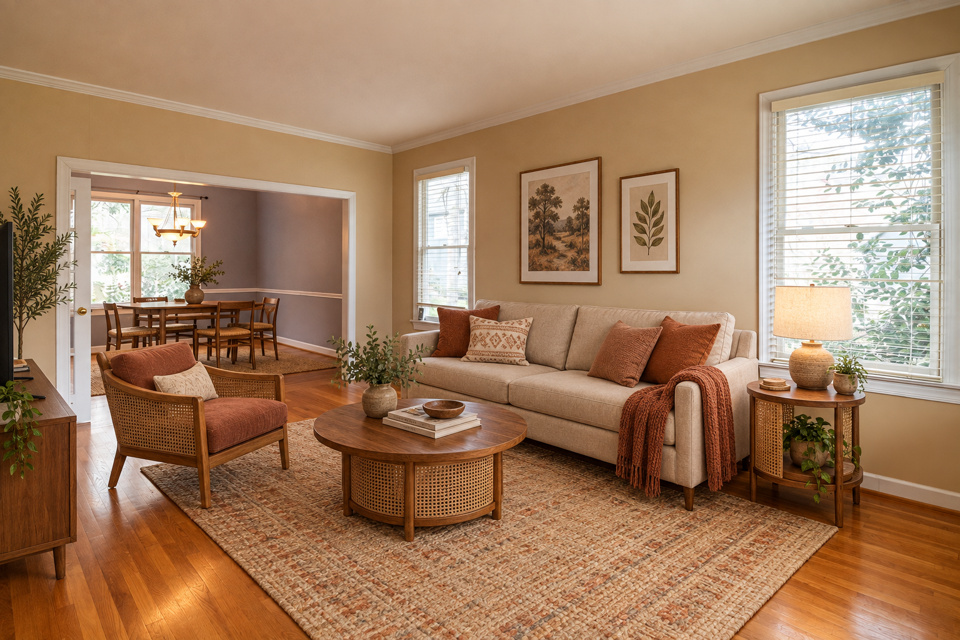
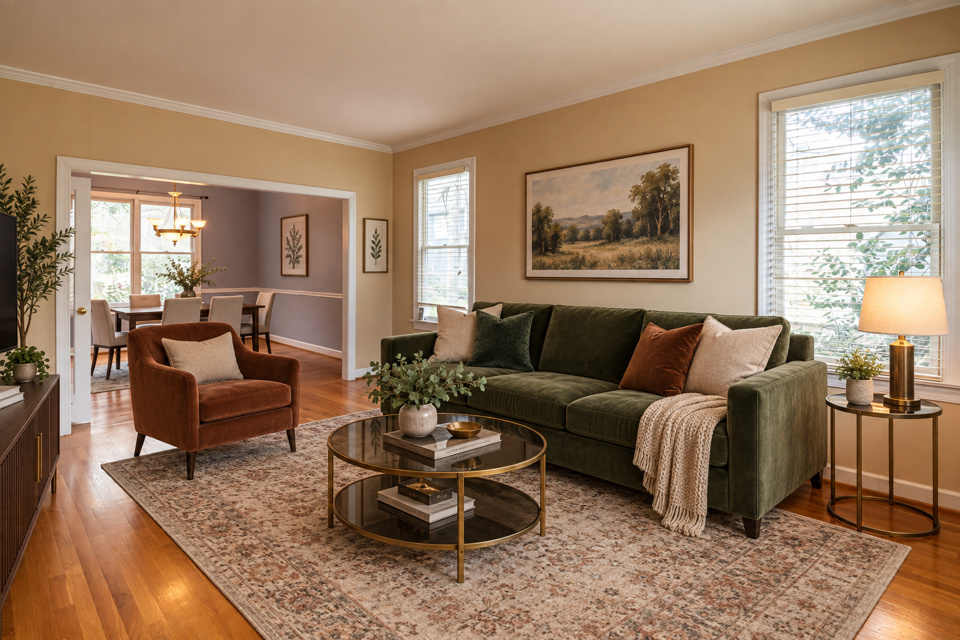
A real render. Drag to compare. The wall colour, cornice, window blinds, the opening to the next room and the wood floor are all kept.

Features

What you get back

Not just an altered JPEG.

Furniture that fits the room

Pieces are scaled to the real floor area with walking space around them. A king bed in a ten-by-ten room is the single most-cited complaint about staging tools.

Feet on the floor

Every item sits in contact with the surface and casts a shadow matching the existing light direction. Floating sofas and rugs sliding under walls are the next two complaints.

Your room, held

Wall colour, flooring, windows, mouldings, radiators and fixtures are preserved and checked. Changing them misrepresents the condition being sold.

Twelve styles

Contemporary through to Japandi, each one naming actual furniture rather than a mood. Stage the same photo twice and compare before you commit.

The original comes back

Staged image and unaltered original as an ordered pair, so the original can sit immediately before or after it in the photo sequence.

Original and disclosure included

Provider-original downloads, paired originals and disclosure wording for each publishing surface. Visible labels are available when requested.

How it works

Three steps

  1. Step 1

    Upload an empty room

    JPEG or PNG. Free to try: 3 renders without an account, 3 more when you sign in. Your original is never used for training.

  2. Step 2

    We furnish it, then check walls, doors and windows

    Renders that move a wall, block a door or window, or change the floor are discarded before you see them.

  3. Step 3

    Download both takes

    Each render returns two looks. Keep the one you like, with your original, the disclosure wording and a record of what changed.

What virtual staging changes, and what it must not

Staging adds furniture. It does not repaint, re-tile, re-floor or renovate, and the difference is not stylistic: it is the line between a marketing image and a misrepresentation. A buyer who arrives to find different flooring has been misled in a way that a buyer who arrives to find no sofa has not.

That is why the room itself is held. Wall colour, flooring, window position, mouldings, radiators and every built-in fixture are named in the instruction before any furniture is mentioned, and every render is compared against your original afterwards. Renders that altered the room are discarded before you see them.

Why the furniture list matters

Asking a model to "make it Scandinavian" produces generic showroom staging, because a style adjective gives it nothing concrete to place. Asking for a light oak framed sofa in oatmeal linen, a pale birch coffee table, a sheepskin throw and a jute rug produces a room.

Each of the twelve styles names its actual pieces. You can read the list on each style's page, and the render you see there was generated from a real empty room. Compare each example with its matching original to see how the furniture works in that space.

The two complaints everyone else earns

Across review sites, the two failures that come up more than any others are furniture that does not fit the room and furniture that does not touch the floor. A sectional eating two-thirds of a small living room, a bed scaled for a space twice the size, legs hovering above the boards, a rug sliding under a wall.

Both are addressed in the instruction and both are visible in the output, so they are worth checking on the comparison above: the sofa sits on the floor, casts a shadow consistent with the window light, and leaves walking space around it.

Compared

Virtual staging tools compared

Not on price per image. On whether what comes back is publishable without you doing the compliance work yourself.

ToolTypical priceReturns the originalDisclosure text
Duskly$29 / listingYesYes
AI staging tools$0.24–2.67 / imageNoNo
Human staging services$16–35 / image, 24–48hrNoNo
Compliance-only packagers$49 / listingYesYes

Capabilities as published by each vendor. We do not list competitors’ fines or penalties, because the per-offence figures circulating in this category for Canopy appear nowhere in what Canopy publishes.

FAQ

Questions worth asking

Yes, to try. You get 3 renders without an account and 3 more when you sign in. After that, $5 for one photo or $29 for the whole listing keeps you rendering and lets you download.

No. Upload and stage without one. Sign in for 3 more free renders or to save your listings to an account.

Yes, that is what it is for. Upload a photo of an empty room, pick a room type and a style, and you get two furnished takes to choose from. A room that already has furniture is left as it is.

Yes. Virtual staging is object insertion, the textbook case, and every jurisdiction that addresses AI imagery treats it as disclosable. Several also require the unaltered original be published alongside it. We generate the wording and return the original; publishing both is your part.

It must not, and we check. Changing paint, flooring or permanent fixtures misrepresents the condition being sold and is prohibited in several markets even with disclosure. Every render is compared against your original and rejected if the room itself changed.

Yes, in two steps. Empty the room with Occupied to vacant, then stage the empty room in any style. Staging alone leaves existing furniture as it is.

All twelve. Your free renders work with any style, and a paid photo or listing includes several more renders to compare them.

Each photo is staged independently, and we will not claim otherwise. The published benchmarks for cross-angle consistency top out around 20% flawless, because models rearrange furniture to face the camera even when handed geometrically correct positions. Two vendors failed identically; it is model-level behaviour. Pick your hero shot.

In California and most US MLSs, yes, with disclosure: AB 723 asks for a statement on or next to the photo and a link to the original. Not everywhere, though. NSW Fair Trading guidance says agents must not change a property’s appearance by digitally adding or removing features; only lighting adjustments that compensate for poor lighting “may be acceptable”. We read that as a prohibition a disclosure label does not cure, so where a market prohibits a transform outright we block it rather than attaching a warning.

Stage a room

One photo or the whole shoot. Free to try: 3 renders without an account, 3 more when you sign in.