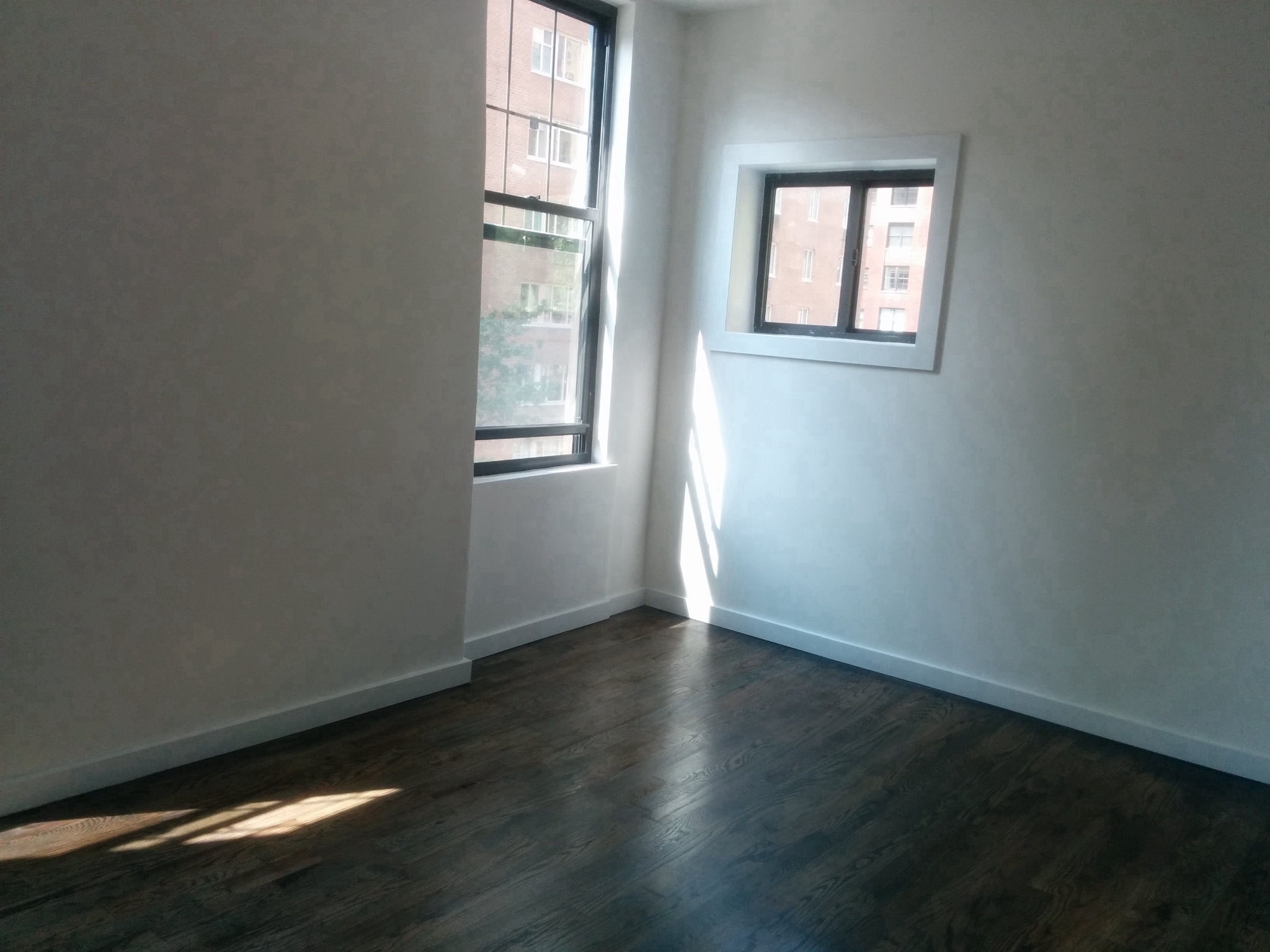
Virtual renovation · restricted

AI virtual renovation

Change one surface to show what a room could become, and see before you publish it where you are not allowed to.

See it on a sample$29per listing

Drop one photo or the whole shoot anywhere on this page. Free to try: 3 renders without an account, 3 more when you sign in.

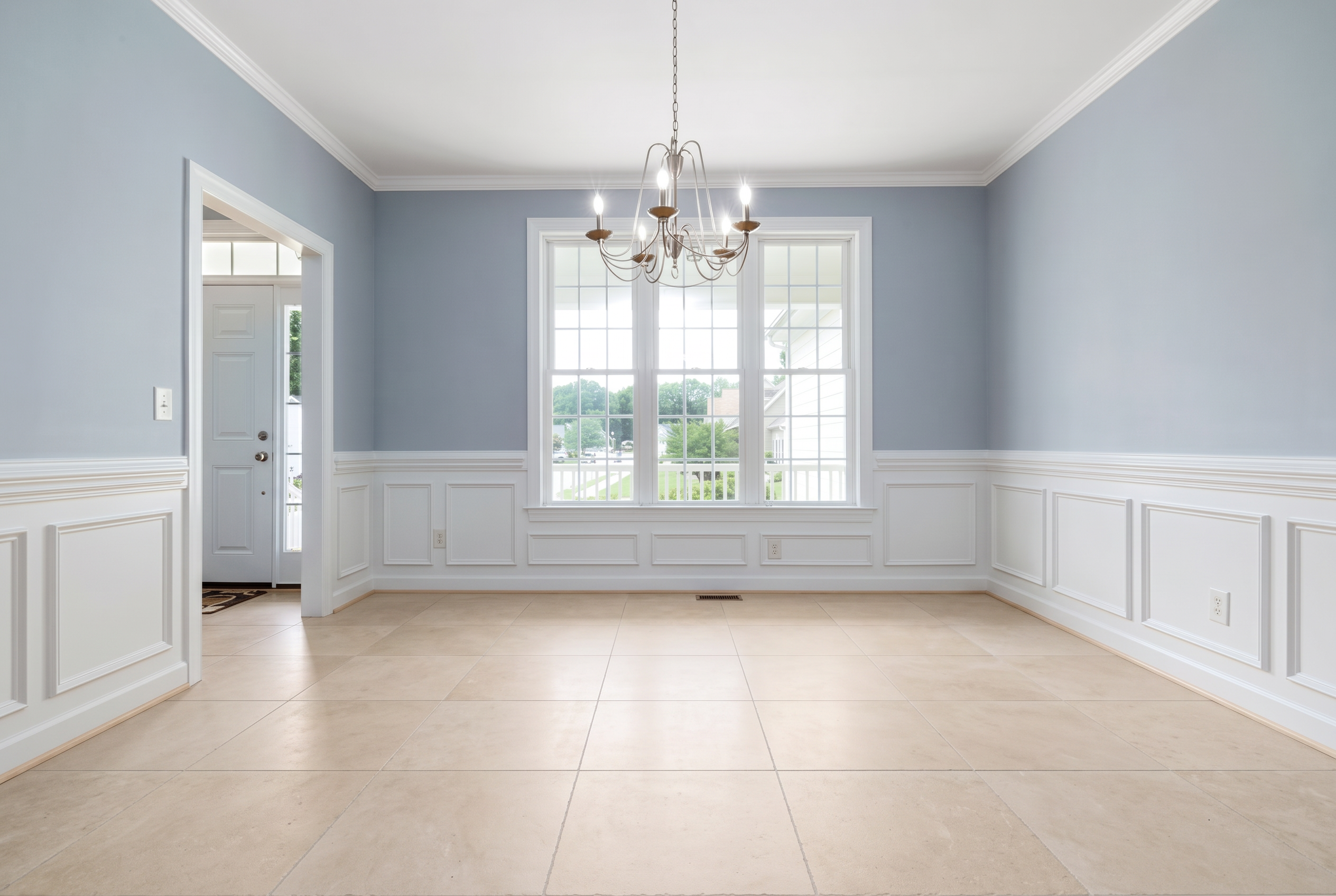
The altered version: renovated
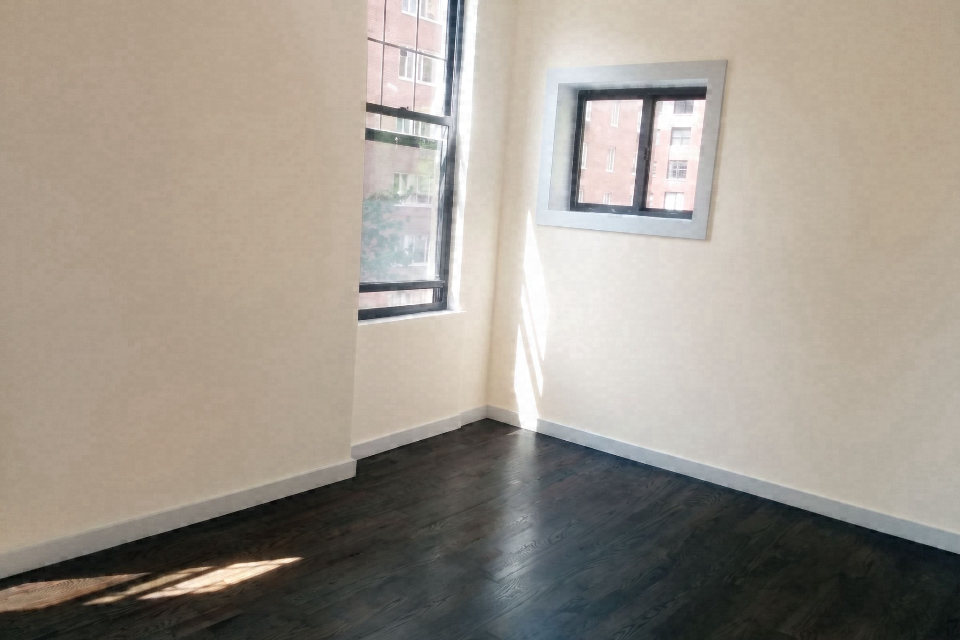
The unaltered original photograph
OriginalRenovated

A real render: the dark wood floor replaced with pale limestone. Everything else in the room is held.

Features

What you get back

Not just an altered JPEG.

One surface at a time

The instruction names a single change and holds everything else. A renovation visualisation that also moved the windows is not a visualisation.

Restricted by default

Our classifier marks this transform prohibited rather than merely disclosable, because several rulebooks treat it that way. You are told before you buy, not after.

The carve-out, stated

CRMLS permits it only where the property will actually be improved to match at close, as part of the list price. Outside that, disclosure does not cure it.

Geometry checked

Framing, room dimensions and every unchanged surface are compared against your original.

The original comes back

Edited image and unaltered original as an ordered pair.

Original and disclosure included

Provider-original downloads, paired originals and disclosure wording for each publishing surface. Visible labels are available when requested.

How it works

Three steps

  1. Step 1

    Upload the room

    JPEG or PNG. Free to try: 3 renders without an account, 3 more when you sign in. Your original is never used for training.

  2. Step 2

    Pick the finishes, then we render and check

    Only the surfaces you picked may change. Renders that change anything else are discarded.

  3. Step 3

    Download the pair

    The edit and your original, in MLS order, with disclosure wording for each place you post it and a record of what changed.

Primary sources

The rules, quoted

Rule number, quoted text, and the date we last checked it. Where a rulebook is members-only, the row says so instead of guessing.

New South WalesNSW Fair Trading advertising guidelines (guidance, not legislation)Verified 24 Sep 2026
“Agents must not change the appearance of a property by digitally removing or adding features (adjusting the lighting effects only to compensate for poor lighting may be acceptable).”
Quoted verbatim.Source

The transform we argue with you about

Every other tool in this category will re-floor a kitchen, repaint a wall and hand the result back with no warning. That is the problem, not the feature.

Changing a permanent surface in a listing photo changes what is being sold. A buyer who arrives to find the dark laminate they saw as pale oak has been misled in a way that a buyer who arrives to find no sofa has not, and the rulebooks reflect that: this is one of the few alterations that several markets prohibit outright, with no disclosure available to cure it.

What we do instead of a warning banner

Our alteration classifier marks this transform prohibited rather than disclosable, and that classification is what the product reads. It is on the tool card, on this page, and attached to the edit itself. Where a market prohibits it outright, the transform is blocked for that account rather than accompanied by a checkbox.

The one carve-out worth knowing is CRMLS's: it permits this where the property will actually be improved to match at close, as part of the list price. That is a narrow and specific permission, and it is not a general licence.

FAQ

Questions worth asking

Often not. Changing paint, flooring, permanent fixtures or structural elements misrepresents the condition being sold, and several rulebooks prohibit it whether or not you disclose. CRMLS carves out the case where the property will actually be improved to match at close as part of the list price. Outside a carve-out like that, do not publish it as a listing photo.

Renovation visualisations have legitimate uses that are not listing photos: showing a client what a refurbishment could look like, planning a scope of work, or marketing a development that will genuinely be built to that spec. The constraint is about representing a property for sale as something it is not.

Because the alternative is that people use a tool that does not tell them. Every other AI editor in this category will happily re-floor a room and hand it back with no warning attached. We would rather ship it with the classification, the carve-out and the disclosure attached.

Yes. NSW Fair Trading guidance says agents must not change a property’s appearance by digitally adding or removing features; only lighting adjustments that compensate for poor lighting “may be acceptable”. For accounts in markets with a prohibition the transform is blocked rather than warned about. A disclosure toggle is not an adequate response to a prohibition.

Try a renovation

One photo or the whole shoot. Free to try: 3 renders without an account, 3 more when you sign in.